How to move an asset to another portfolio
Move an asset from one portfolio to another with the transfer functionality on Exceefy (Required Premium).
To move an asset:
- Go to wallet > Advanced > Transfer.

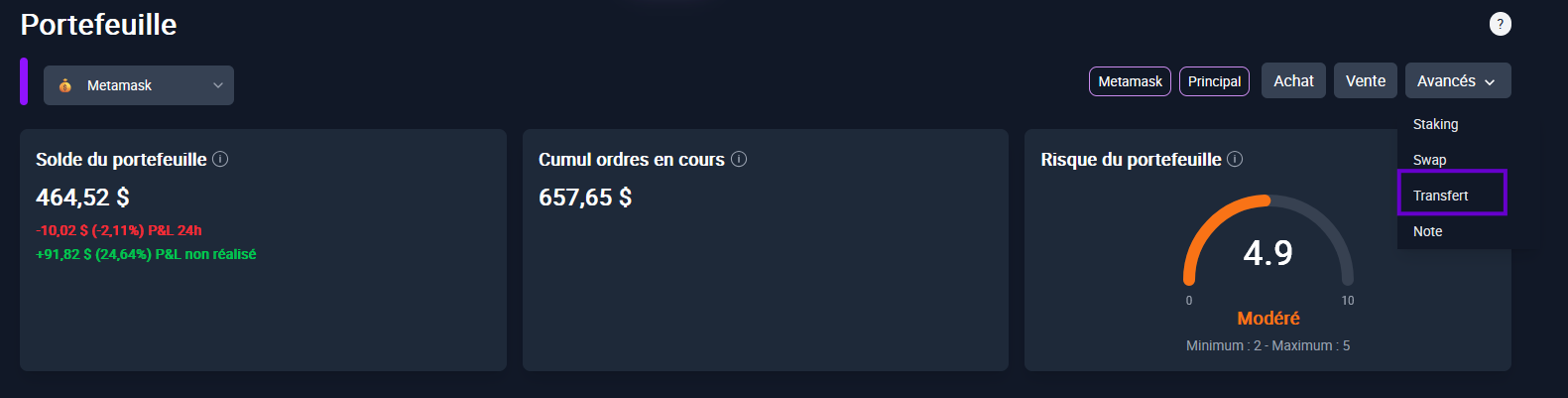
Select:
Original Wallet
The final wallet
The token and the quantity
A sale transaction on the original portfolio and a transaction purchase on the destination portfolio will be created automatically.


⚠️Important:
The functionality Transfer is available only for subscriptions Premium.
If you are not premium, you will need to manually make sales and purchase transactions to move an asset.